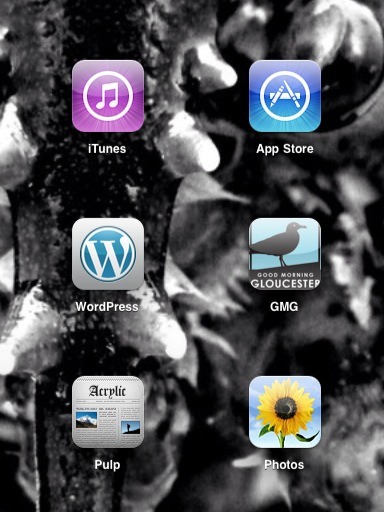
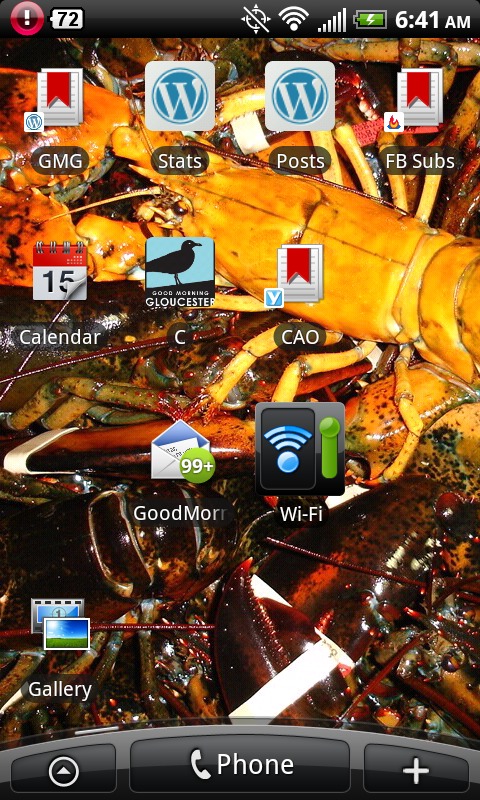
You now can have a cool GMG logo appear on your iPhone, iPad or Android phone when you save a link to GMG to your homepage. Below is a screen capture from my iPad. Pretty cool, huh? If you can’t figure it out but would like one, let me know and I’ll go over the instructions with you.
Here it is on the iPad-
Here it is on my HTC EVO cell phone-
http://www.goodmorninggloucester.com do you get it?


 Good Morning Gloucester
Hi Joey: Good Morning on this beauty of a day… How do I put it on a Droid thanks and hope to see you soon.
Donna
LikeLike
Well Donna first click on the internet button on your android phone and do a search for https://goodmorninggloucester.wordpress.com/
Once you are at the GMG homepage on your phone’s browser
click the menu button at the bottom of your phone (should be the second one from the left)
then click on the option to Add bookmark
Once you’ve added GMG as a bookmark you can press the home button (the one on the bottom furthest to the left)
Next swipe your finger till you get an empty section of screen and press your finger on that empty section of screen for a few seconds until it brings up a screen asking you to “Add To Home”
You then select Shortcut
On the next screen select bookmark
Then find the GMG bookmark that you just saved and click on that and the icon will appear in that empty space on your screen which you pressed down
LikeLike
got it! nice touch!
LikeLike
Does this mean we need new bumper stickers?…… Better yet are the old ones collectors items? I wonder how much I can get for them on e-Bay.
LikeLike
Hi Joey,
I can’t seem to get that favicon thingy on my phone. Can I get a sticker or somthin?
LikeLike