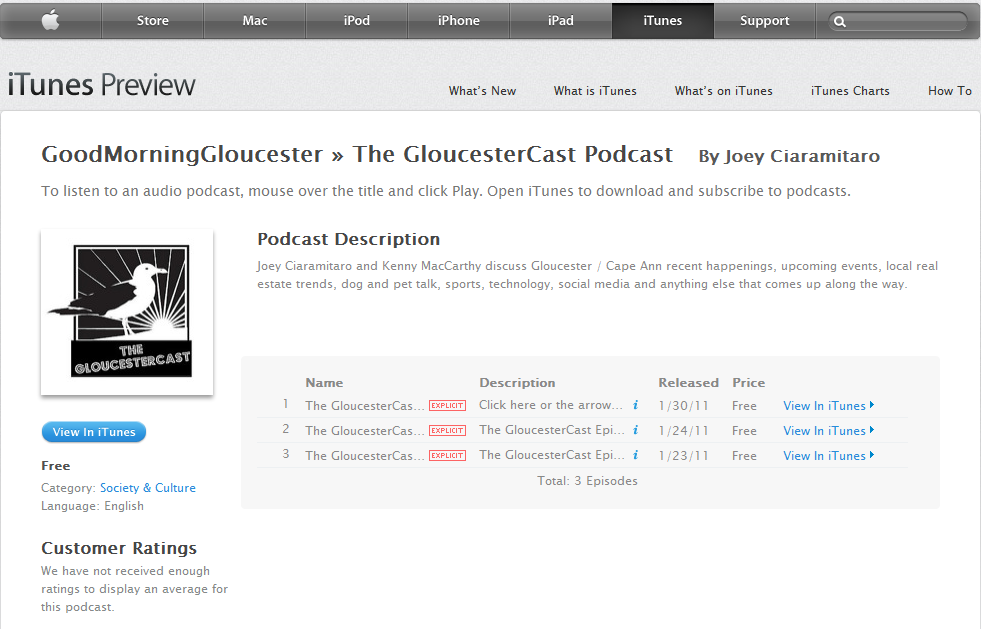
So for any of you folks that would like to listen on your way to work on your iPhone, iPod touch or iPad, you can now subscribe to the Gloucestercast on iTunes
Of course you can always save the podcast audio files by right clicking on the podcast icon and saving the mp3 file for listening on your computer as well (it doesn’t cost a thing I swear).
Give it a try
Right click with your mouse on this icon-

Once you right click on the icon select the option “save link as”
Next select the folder where you would like to save it. Suggestions- your desktop or your music folder. Remember where you saved it.
Then you should have it saved to your computer’s hard drive for listening whenever.


 Good Morning Gloucester
Woot!
LikeLike