Author: Sharon
My passions include photography, music, people, teaching, learning, taking risks and asking "I wonder what would happen if I..."

Rockport Harbor

Spread The GMG Love By Sharing With These Buttons:

Oak Cove

Spread The GMG Love By Sharing With These Buttons:

Motif Winter
Spread The GMG Love By Sharing With These Buttons:

Annisquam Bridge

Spread The GMG Love By Sharing With These Buttons:

Let the Races Begin!!


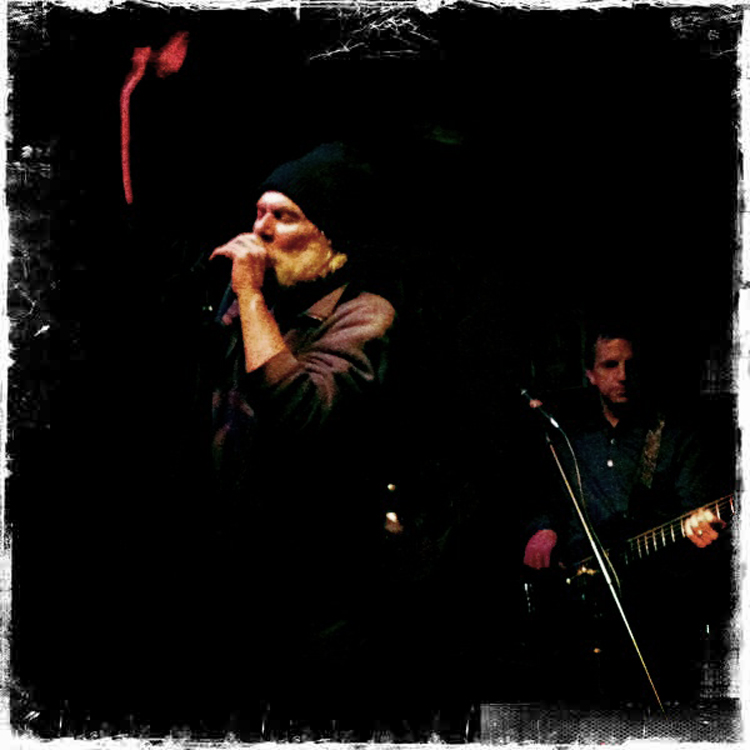
New Photo Blog-“Listening with My Eyes”
I have started a photography blog dedicated to local musicians. The subtleties of music and the passion felt by the players are captured through the lens of my Nikon. As Yogi Berra said “You can observe a lot by just watching.” Click on the photo below to check out “Listening with My Eyes” .
 AnnMarie Shimanoski
Spread The GMG Love By Sharing With These Buttons:

Eastern Point Boulevard

Spread The GMG Love By Sharing With These Buttons:

It’s February!!!
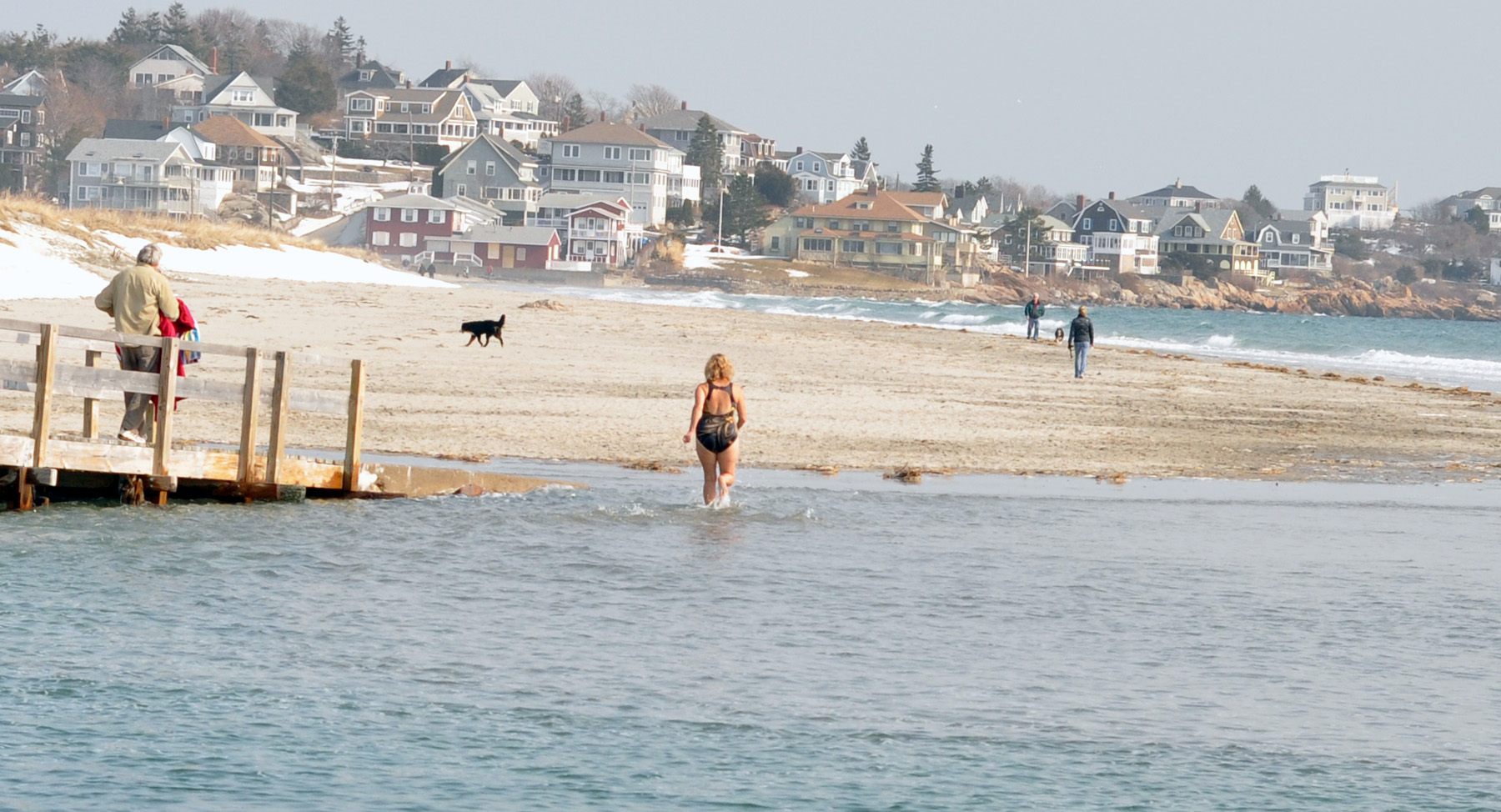
She’s a hearty soul!
Spread The GMG Love By Sharing With These Buttons:

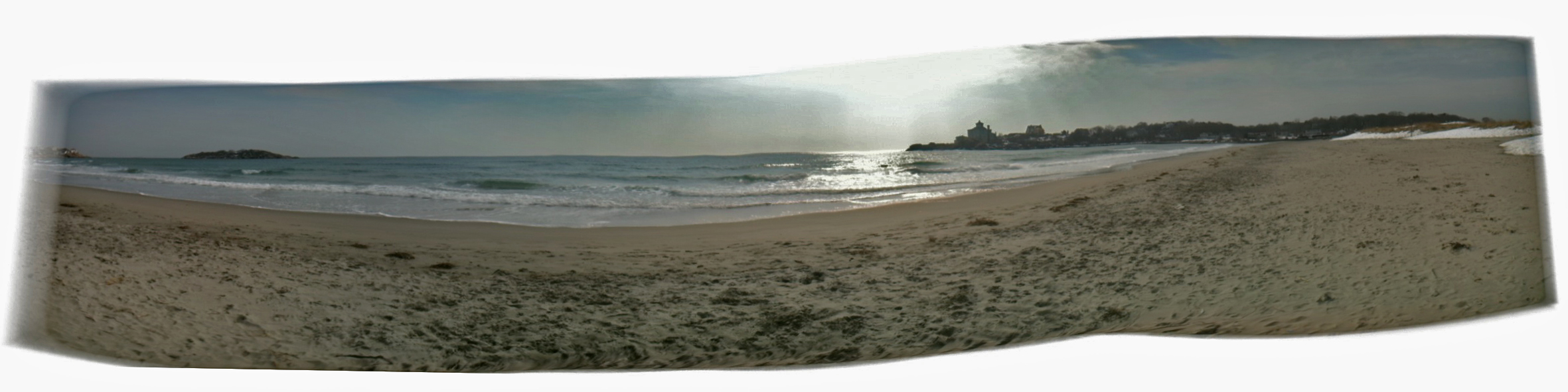
iPhone Panorama
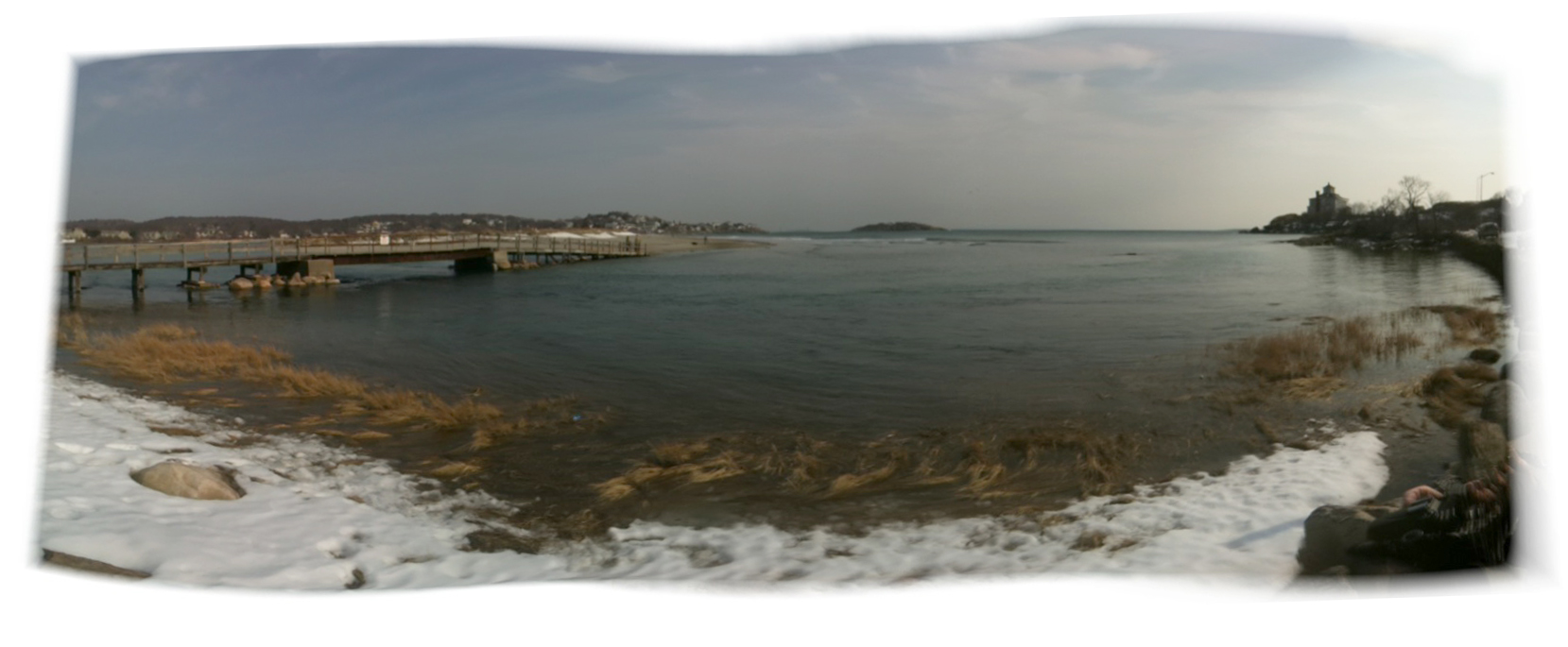
Cait (#1 grandkid) and I walked the dog on Good Harbor yesterday. The tide was extremely high and we couldn’t get over the bridge, so we parked on the Brier Neck side. Beautiful day for the beach! Cait took this photo with the 360Panorama app. Pretty cool!
And here’s one that I took:
Spread The GMG Love By Sharing With These Buttons:

Post Office Building Close Up
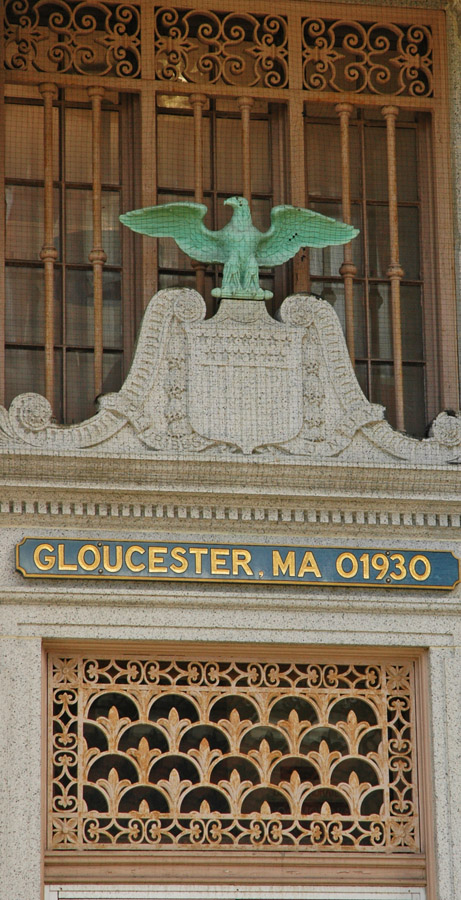 The old buildings in Gloucester are beautiful. I didn’t know that the sculpture is screened in. Guess no one wants an eagle falling on their head.
Spread The GMG Love By Sharing With These Buttons:

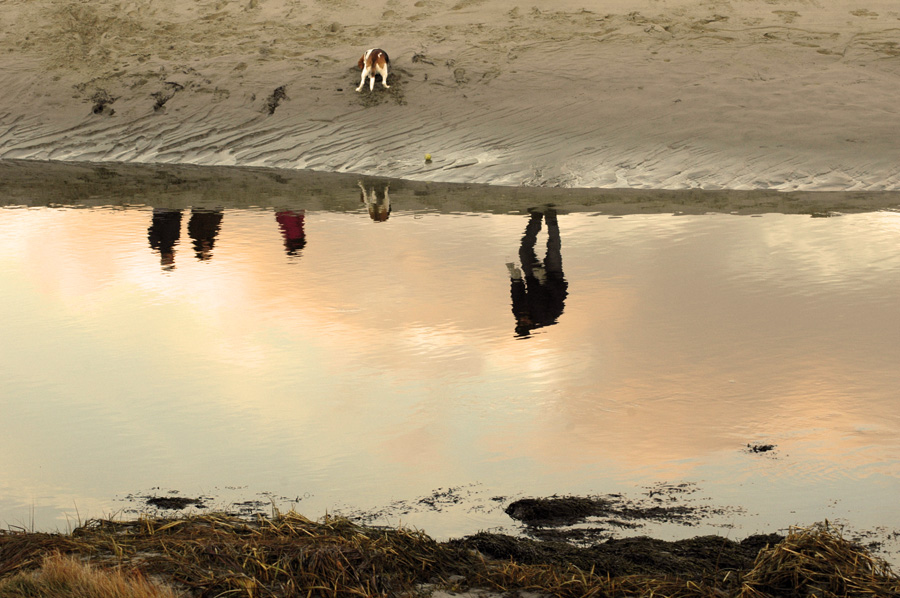
Beagle on the Beach
Spread The GMG Love By Sharing With These Buttons:

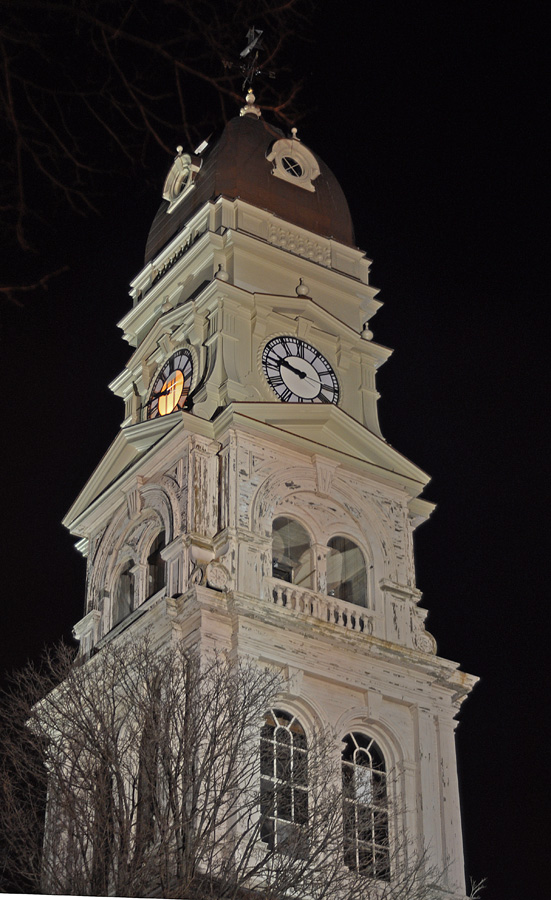
City Hall – Night Shot
I posted this on Day 45 of the 365 Project. Click on the photo below for more.
Spread The GMG Love By Sharing With These Buttons:

I gotta get this!! Only $35

Buy the iPhone Telephoto Lens at the Photojojo Store!
|
Spread The GMG Love By Sharing With These Buttons:

Can you guess the year?
 This shot was taken from the top of one of the rides at Fiesta. Not sure if there are enough clues, but see if you can figure out what year it was and how you made your decision. Have fun! —Sharon
 Here’s another one from the same year.
 And one more.
Spread The GMG Love By Sharing With These Buttons:

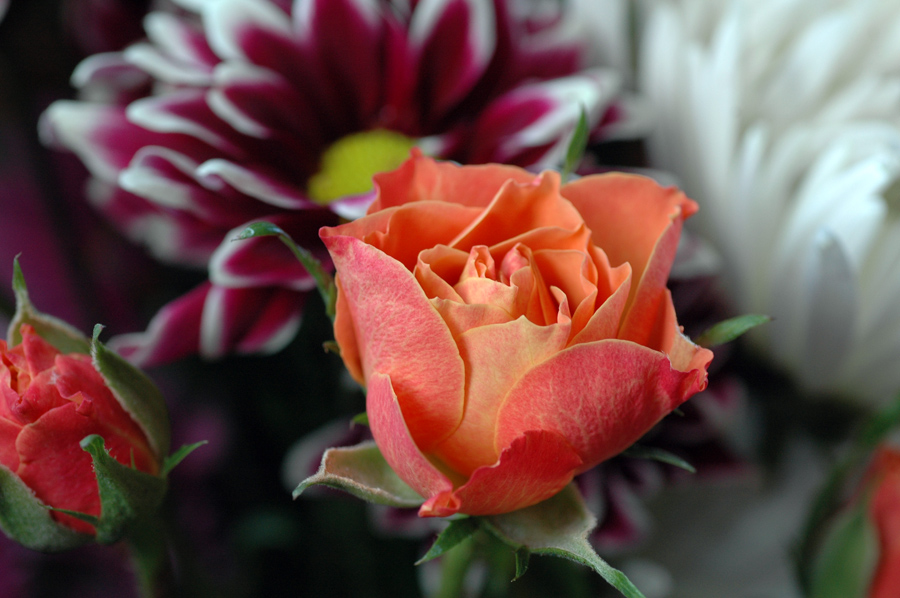
An Early Valentine!
Spread The GMG Love By Sharing With These Buttons:

GMG Cell Phone Series -Back Shore
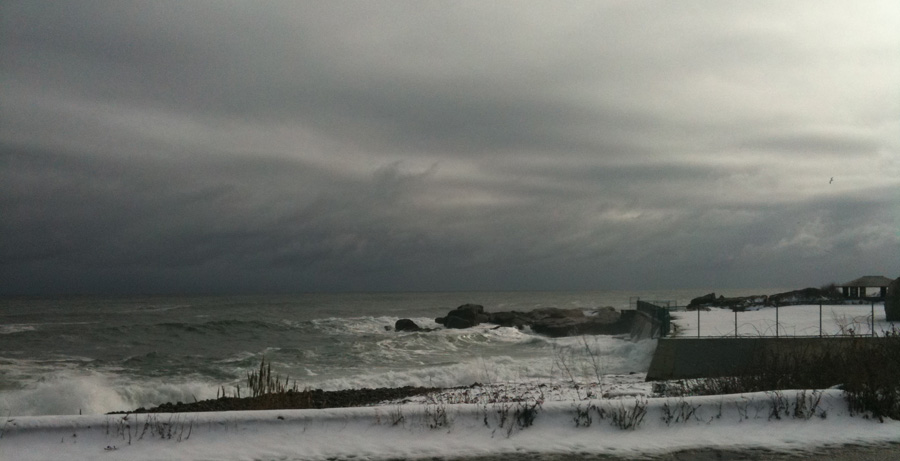 Found this on my phone this morning….obviously it wasn’t taken today 🙂
Spread The GMG Love By Sharing With These Buttons:

Valentine’s Day at Tessera’s Mosaic Studio!
 Children under 13 should be accompanied by an ‘older ascort’. We will have some soda and cookies/sweets. One items will be available for free and others will be available for purchase. Reservations are not necessary, however, seating is limited and letting us know before Saturday is helpful.
Spread The GMG Love By Sharing With These Buttons:

Got reddish,orangish,bluish photos? White Balance!
From Ken Rockwell–
“Photos can look too orange, blue or green even if the subject looked OK to our naked eyes. Since we can preview the photos on our color LCDs setting white balance is easy.
Our eyes adjust this automatically just as they do for lightness and darkness. It would be great if cameras did this as well as our eyes do, but cameras often need a little help just like they do with exposure.
White balance settings may be altered for deliberate creative purposes, exactly as we do with exposure.
You can change the orangeness or bluishness of your images to make them as warm, neutral or cool as you want without having to use glass filters. You even can get rid of the green cast from fluorescent lighting, all without the glass filters we need for film. Cool, huh?
Setting the White Balance when needed is the key to great color photos. This comes out the same with an $5,000 camera or a camera phone. You need to adjust the White Balance at times with every camera. I’ve also found point-and-shoots to be better than the more expensive DSLRs at auto white balance!
Different kinds of light require different adjustments to give a good picture. If we consider full daylight as “normal,” then indoor incandescent screw-in light bulbs look orange by comparison and candle light looks almost red. Likewise, blue sky without the sun is very blue although when you’re in the shade everything looks OK to you and I. If you make a photo in the shade the picture comes out way too blue or cool looking.” (To read the rest of Ken Rockwell’s article, click here.)
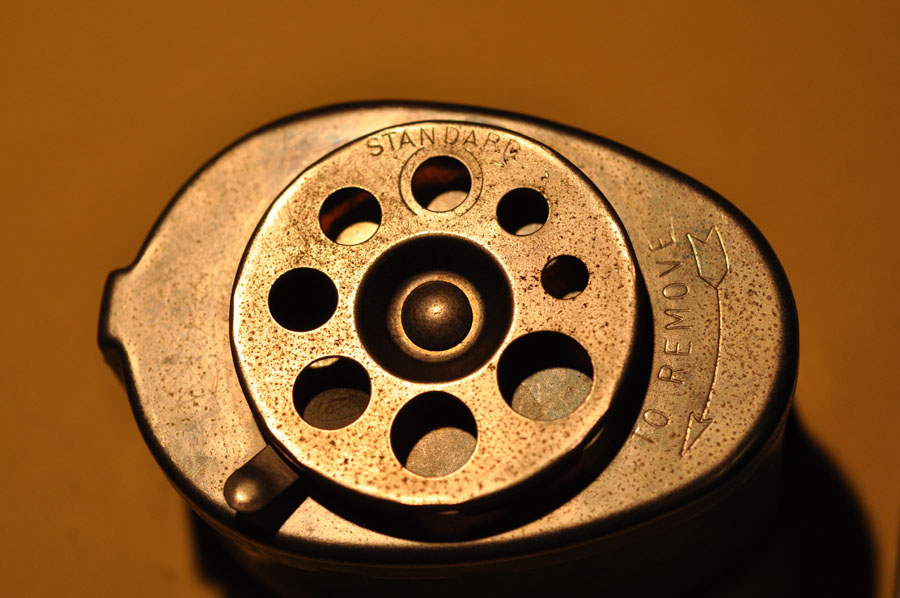
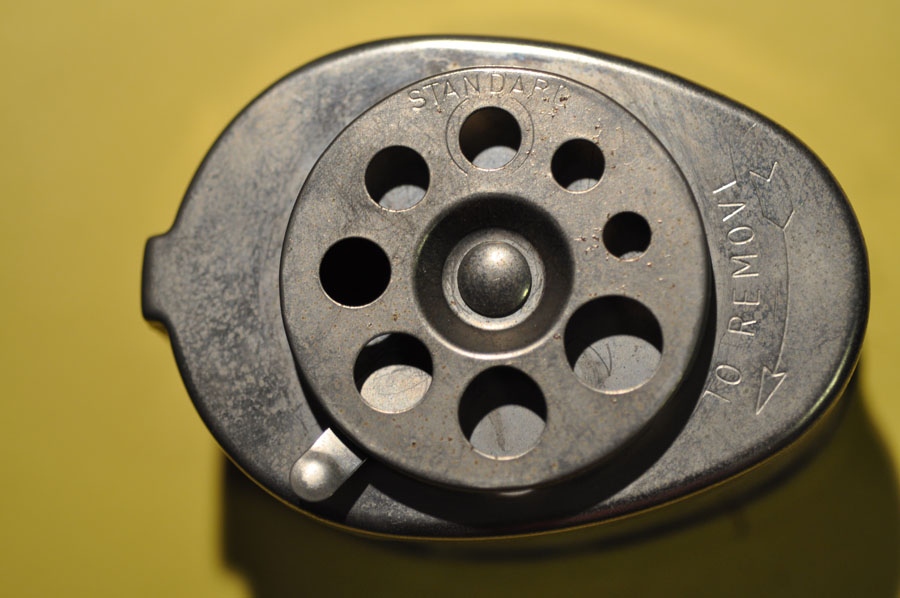
I’ve been experimenting with the white balance settings on my Nikon D90 with interesting results. Last night I took photos of an old pencil sharpener:
The first photo was taken with no white balance corrections:
And this was shot under the same lighting, but I changed the white balance to a cooler setting. As you can see, the colors are now natural. One thing-remember to switch the setting for the next outdoor shot!
 So see if you can find the manual for your camera or go online to experiment with the white balance settings, and let me know how it works for you! —Sharon
Spread The GMG Love By Sharing With These Buttons:

I love this App!
Ian McColl
Hipstamatic has all these lenses, flashes, borders, and film to chose from. Some come with the app. Others you add on later. It combines old-time photography with current technology. Wicked fun! 🙂

 Good Morning Gloucester