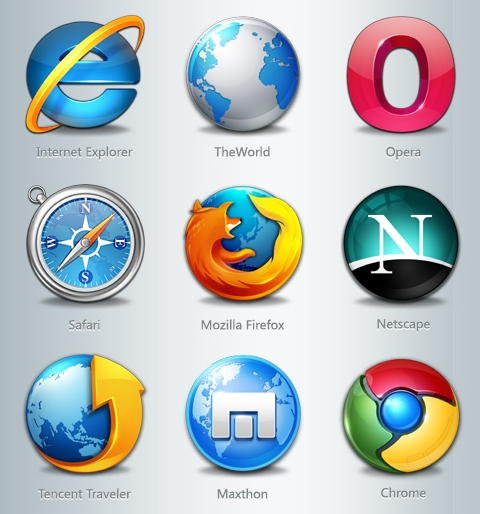
After basically swearing off Internet Explorer about three or four years ago I’ve been a pretty happy Firefox user but my interest in Google’s chrome has been piquing.
When we got stuck in Florida on our trip back from St Lucia last week we were lucky enough to get some time to hang out with my parents in Naples. In addition to affording me time with my parents I got to log onto a computer for the first time in 9 days- my mom’s. My mother will click any picture sent in an email by one of her friends that has a cute dancing bunny or heart on it (without any regard for the spyware or viruses she is downloading to her computer with that click). She also has a fondness for toolbars it seems.
On a 17 inch laptop she may have had 3 inches of visible screen real estate after you account for the 8 or so toolbars that she has running in her Internet Explorer browser. Let’s see, I think there was Yahoo toolbar, AOL toolbar, Google toolbar, something called Smilebox,and two or three coupon alert toolbars that I could remember.
Clearly I needed to download a new browser for her. All this crap she had downloaded brought her laptop to a crawl. I could almost hear it crying out for help, saying “Please, help me tell me you’re not going to add more crap to my already splitting at the seams workload”
So I downloaded Safari for her. I’m not really sure why I picked Safari but it probably had to do with the fact that I was using Safari for the past 8 days on my iPad and it’s a pretty clean interface. So once I got Safari on her laptop and imported a bunch of her favorite bookmarks to her toolbar and gave her a quick lesson on how to add bookmarks she was off and running. The new browser started up about twenty times faster, there was about 80% more screen real estate due to the lack of those layers of toolbars stacked from the top of her screen to three quarters of the way down. It will work well for her.
So I got home and the Mrs’ laptop has Internet Explorer as the default browser as well. The Mrs to her credit is pretty good about detecting what she should and shouldn’t click on. (Anyone have any general rules we could pass on to folks as to what you use for criteria for what you will and won’t click on?) But I’m just not a fan of Internet Explorer. It seems so sluggish and automatically hyperlinks things I don’t want hyperlinked, the security settings slow me way down and it doesn’t offer me single right click access to image url addresses and other geeky stuff that 97% of you probably needn’t worry yourselves about but to a person that really uses these features can drive nuts.
So I decided to check out Chrome on her laptop. It was a quick download and I really like the minimalist and clean layout. I haven’t used it enough to really know if it could replace Firefox on my desktop at work but it really simplifies many steps such as bookmarking and I love how doesn’t use up a lot of your screen with toolbars. It also seems super speedy.
So this leads me to ask my viewership- Which web browser do you use and why? Please leave a comment and let me know where you place your browser love?

 Good Morning Gloucester