Weekly Technology Help at Sawyer Free Library

 ~ Sawyer Free Library ~ 

Looking for some help navigating your personal technology – the Sawyer Free Library‘s Technology Assistant is here to help!
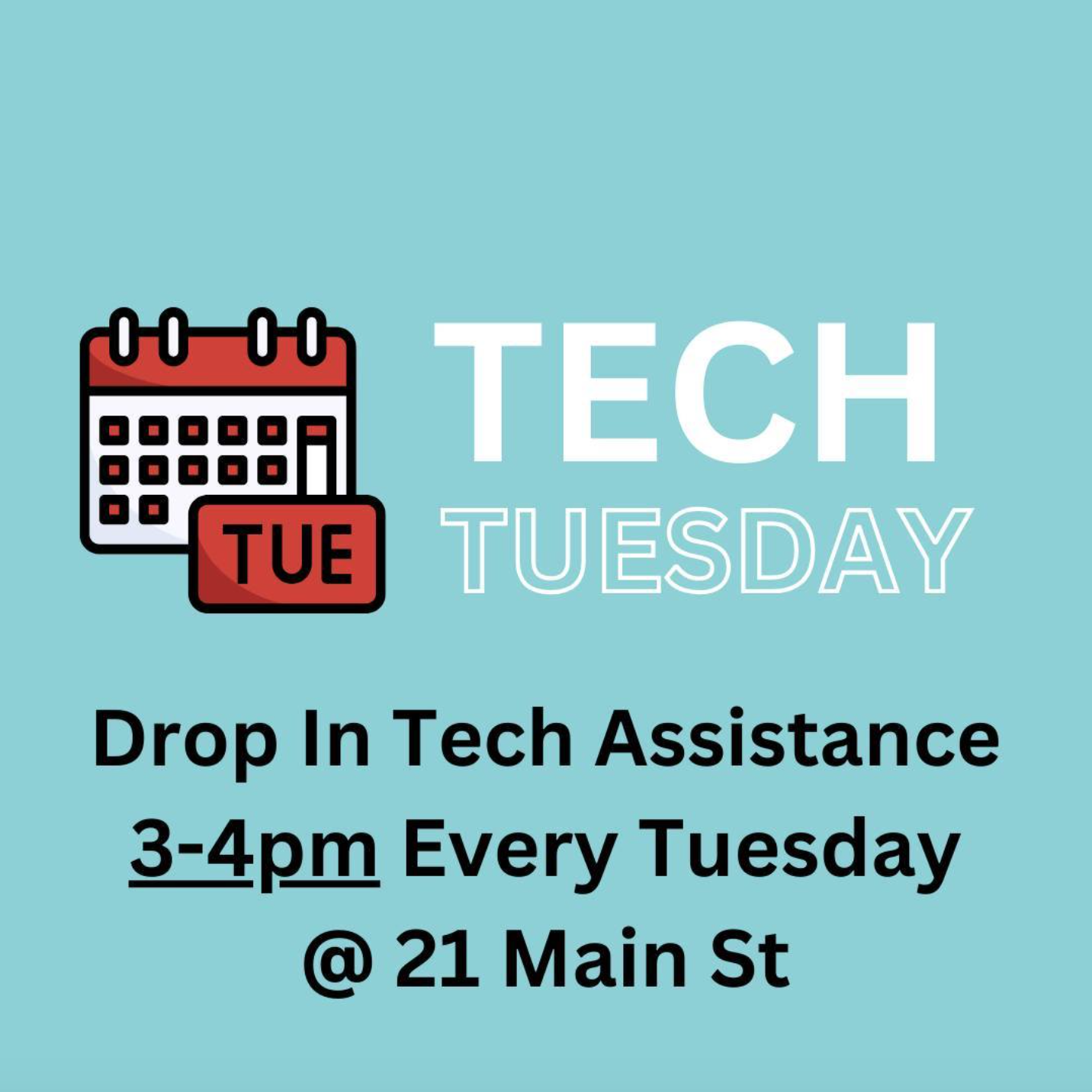
Each Tuesday, 3:00 to 4:00 pm, Tech Tuesday: Drop-in Advice: Drop-in sessions for troubleshooting your digital devices or chat about anything tech related. Learn about library apps, chat about current events in the digital world, set up new devices, or anything else tech-related – Our tech assistant is available from 3-4 to work one on one, or even as a group if there are similar questions. Drop in, bring your device, and let’s chat! No registration needed!

Each Thursday, 11:00 am to 2:00 pm, Device Advice Sessions by Appointment: Register for a 30-minute, one-on-one session with the Library’s Technology Assistant to troubleshoot devices, set up a phone or tablet, or learn digital tasks. Bring your fully charged device, necessary accessories, and passwords. Registration required at sawyerfreelibrary.org or call us at 978-500-5500 to book an appointment.

Although there’s a lot we can help you with, there are some things that we won’t be able to troubleshoot because they are outside our scope and abilities, such as your home WiFi – or cell service – things like that are better remedied by calling your internet or cell phone provider.

All sessions are at Sawyer Free Library located at 21 Main Street, Downtown Gloucester.

For questions, call 978-325-5500.

CATA’s new website helps you get around Cape Ann on your phone

CATAiPhone
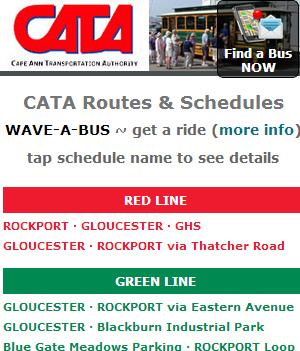
CATA Routes Page on an iPhone (portrait)

No, you can’t use your phone as a magic carpet to whisk you to and fro — not yet, anyhow.  But you can use it to see CATA Bus & Trolley schedules.  You can also get real-time transit directions from wherever you are (assuming you have the phone’s GPS feature turned on) and you can call 978-290-5875, follow instructions and get a text telling you when and where to get the next available bus closest to you.  If you see tourists, be sure to tell them about this — and don’t forget to mention that they can park at Stage Fort Park for FREE and take the Trolley Shuttle to downtown, Rocky Neck and the beaches (see schedule here).  Let’s keep their cars off our roads.

So, does CATA have a new app?  Nope.  It’s better than an app.  It’s CATA’s new website built using Responsive Web Design (RWD for short).

Websites that use RWD automatically reconfigure their display depending on what device you’re using.  One reason RWD websites are better than apps is that you can see the ENTIRE WEBSITE on your phone — and it’s optimized for your particular phone’s display based on how you’re holding the phone when you click on the website.

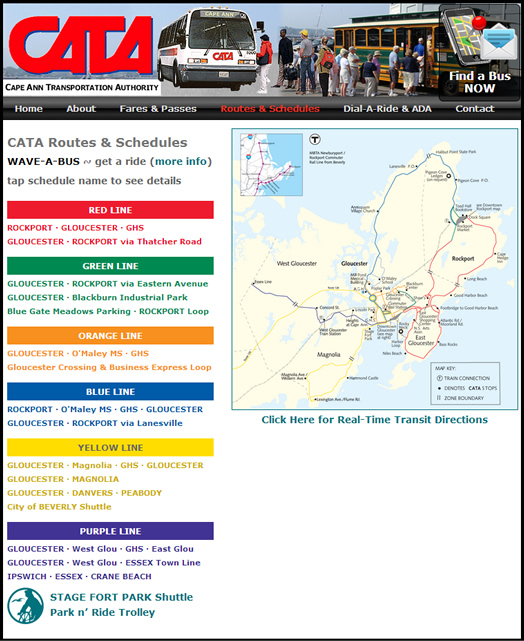
Here’s an example:  The picture above shows what CATA’s new Routes & Schedules page looks like on an iPhone held portrait (taller than it is wide).  Below is the same page on an iPad held portrait.  Click here to see the same page on a computer (but only if you’re on a computer.)

CataiPad
CATA Routes page on an iPad (portrait)

The top third of this image is what you see on a Droid phone held landscape (sideways).  And when you turn a smart-phone or tablet from portrait to landscape, the website’s design automatically adjusts to the new aspect ratio.

Again, the best thing about RWD is that regardless of the device you use, iPhone, Droid phone, iPad, any other tablet or any computer, you’re getting the complete website — all the info.  And when schedules change, CATA only has to change them in one place and all devices will see the new info automatically.  That’s why Google recommends developing smartphone-optimized websites using RWD (see their recommendations here.)

Pretty spiffy, huh.  WARNING – SHAMELESS PLUG: Vickie and I built CATA’s new website.  That’s what we do when we’re not presenting concerts and keeping gimmesound’s live music listings up to date.